
Getting started
How the app is laid out
When you open gastrotodo, you see four tabs at the bottom. That's it — you don't need more structure than that.
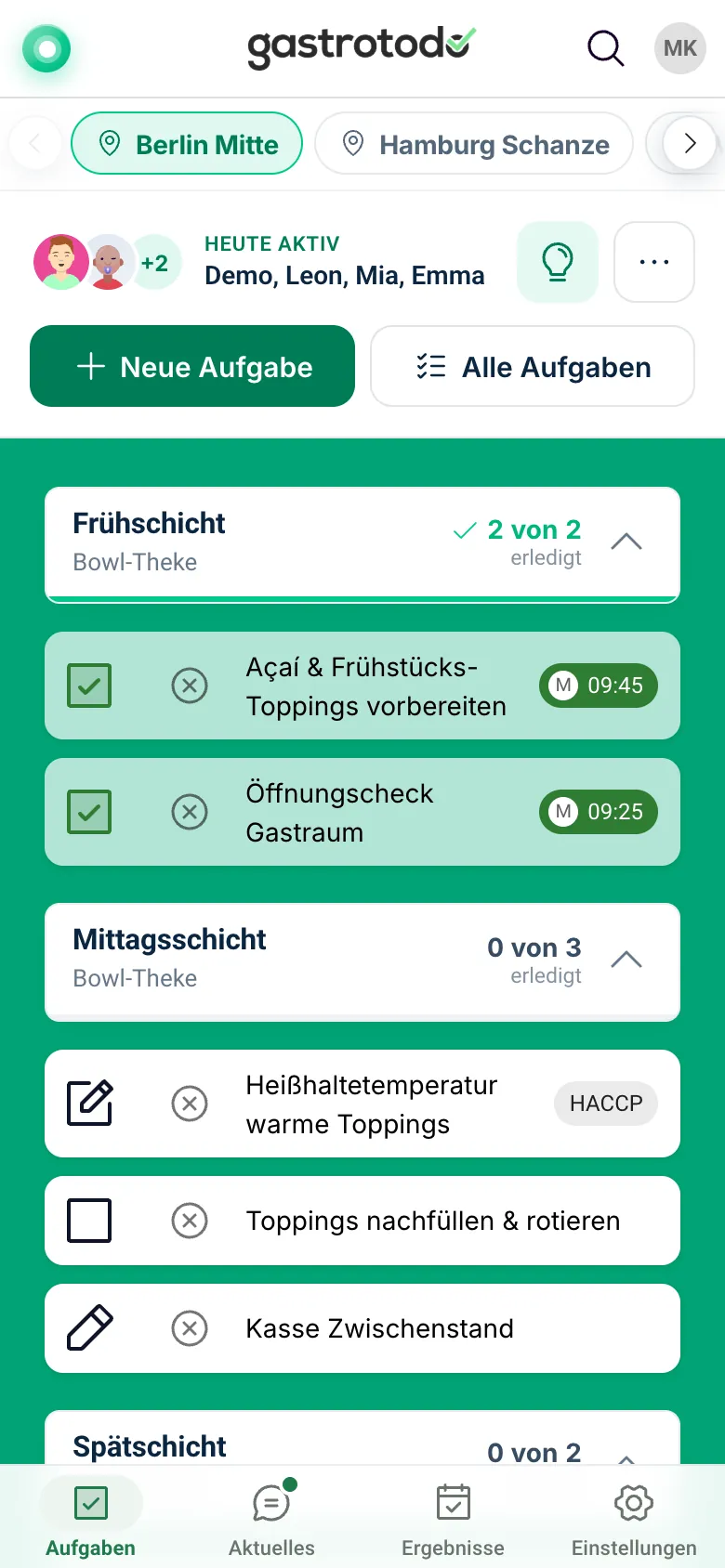
The four areas
Tasks (home) — This is where the daily work happens. You see all of today's tasks, sorted by shift and department. Tap the checkbox, done. Team leaders create new tasks from the bar at the top of the Tasks page (the New task button). Details: Creating tasks.
News — Your team's feed: posts with photos and reactions, the shopping list and defect reports. If a cleaning supply runs out or the dishwasher breaks, it ends up here. Details: News.
Results — Monthly calendar: every day shows in large type what percentage of tasks got done, with a bar in green, orange or red. Tap a day to open the daily report with all the details. More on this: Calendar and Daily reports.
Settings — Your profile, team admin, onboarding & training, tasks and HACCP. The settings start page is organised into sections; each section is a card with rows, and on the right you often already see what's behind a row (e.g. "44 of 70" or "8 steps"):
- Account — Profile and Notifications; for team leads also Membership & billing.
- Team — Configure team, Members, Extensions.
- Onboarding & training — Onboarding, Training, Briefings, Work instructions, Proofs and the Knowledge base.
- Tasks & HACCP — All tasks, Order, Templates, Products & equipment, HACCP Audit.
- Help & Support — Help & guides, feedback and Refer a friend.
Which rows appear depends on your role and on the active extensions — the HACCP Audit, for example, only when HACCP is switched on.
As a team lead you see key figures at the very top (stores, team members, active extensions, referrals), with your stores as cards below. At the very bottom, on a computer, is the Danger Zone with Reset and delete — it only expands with Show.
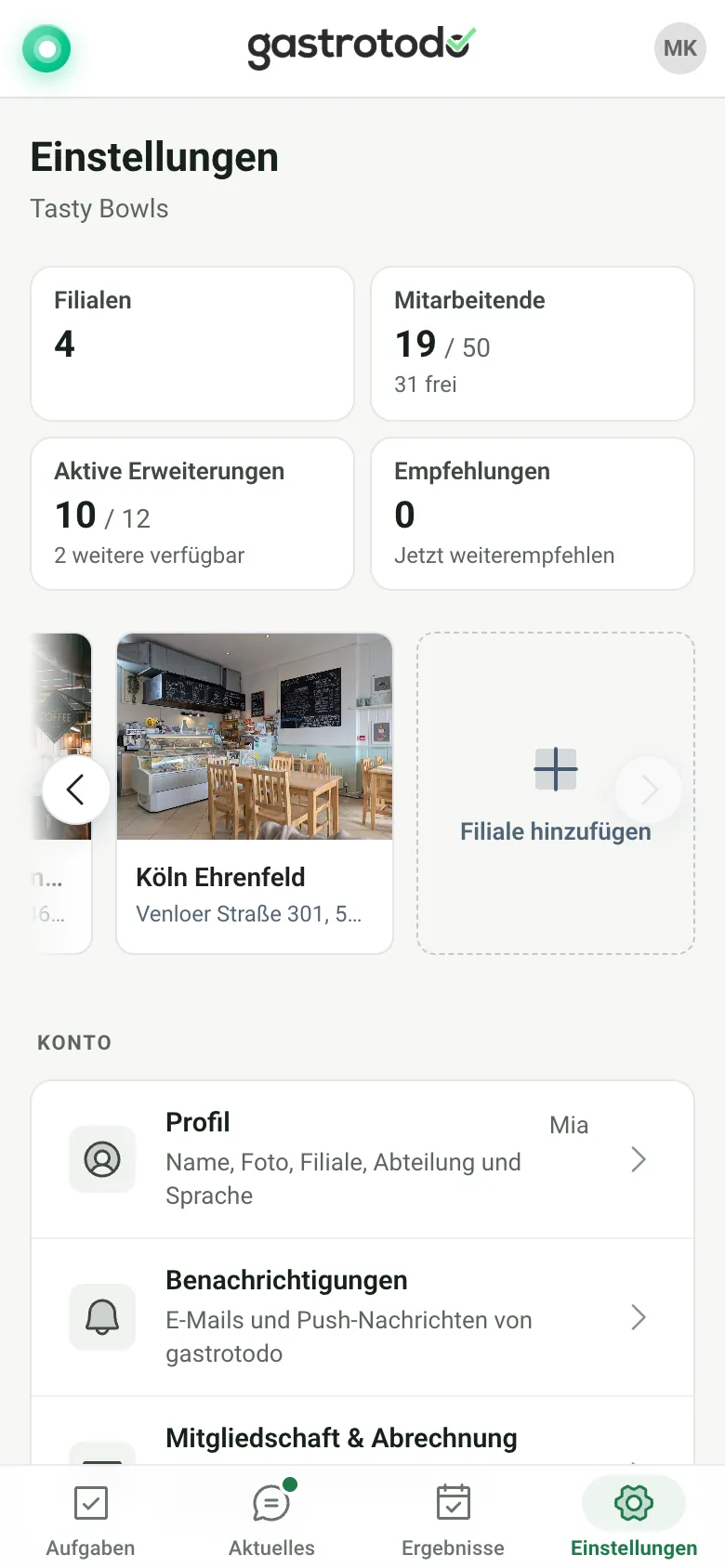
As a team member you see your profile, your notifications, the knowledge base and the Help & Support section. If your team uses HACCP and your role may read the HACCP log but not manage it (with the built-in roles: Employee and Shift Lead), the red Is an inspection taking place? card also appears right below Help & Support — for the moment the food inspector is at the door.
Store selector
If your business has at least two stores, there's a bar at the top of the Tasks page with one button per store. Tap a store and you see its tasks. The app remembers your last choice.
The bar is shown to team leads (and every role above) and to everyone who isn't assigned to a store. If you're assigned to a store, you see that store's tasks directly, without the bar. More on that: Stores, shifts & departments.
How tasks are grouped
On the Tasks page the to-dos aren't just one long list — they're sorted the way it makes sense in your business:
- Shift (e.g. morning shift, evening shift)
- Department (e.g. kitchen, service) — inside the shift
- Individual tasks — inside the department
Each shift + department card is collapsible and shows the progress: "4/7" means 4 out of 7 tasks are done. Tasks reported as not done count as open, tasks reported as not needed aren't counted at all. On a rest day, the page says Today is a rest day instead of showing tasks.
When does the day roll over?
A workday in gastrotodo runs from 3:00 in the morning to 3:00 the next morning. That means tasks completed after midnight but before 3 a.m. still count for the previous day. This way the app fits businesses with late shifts or overnight work too.